



Experience the Power of Productivity
Make your team 40% more efficient. Set up your account in just 2 minutes!
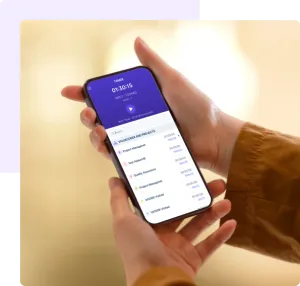
Run Workstatus seamlessly on iPhones with secure, reliable performance. Connect field activity, attendance, and project data into one unified view.
Use the iOS app to mark attendance, log project hours, and capture location data - all synced instantly to your central dashboard.
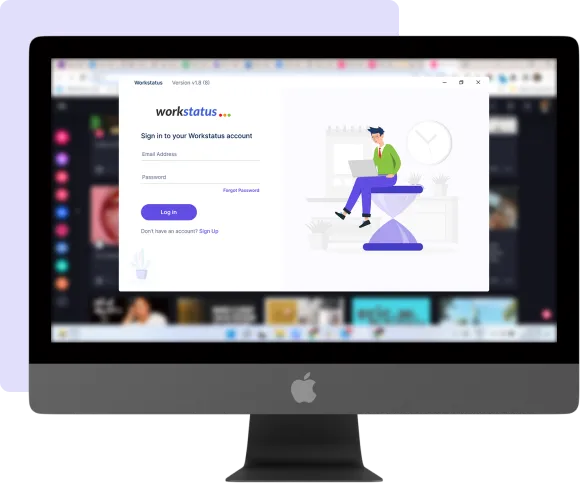
Install Workstatus from the Apple App Store.
Sign in to access assigned projects and schedules.
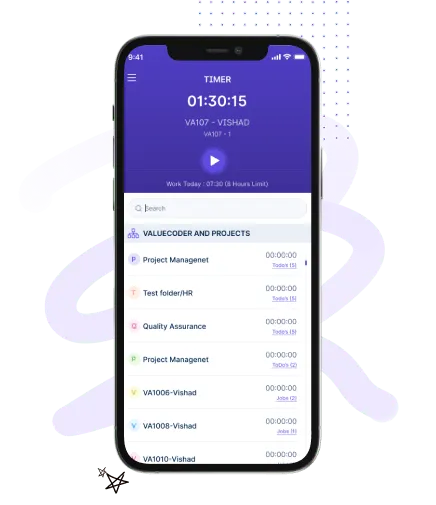
Clock in and out directly from your iPhone.
Choose the relevant client or assignment before starting work.
All data reflects immediately on manager dashboards.
Designed for field staff, remote teams, and hybrid workforces. Capture work hours, attendance, and job-site updates.
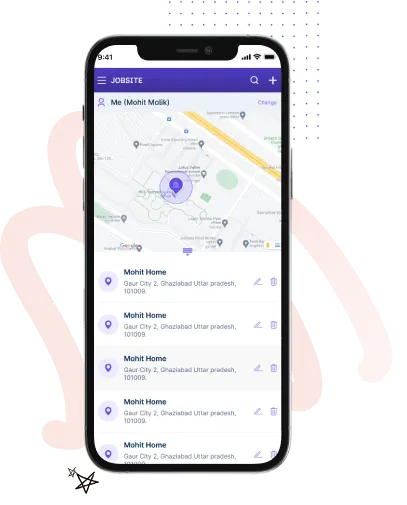
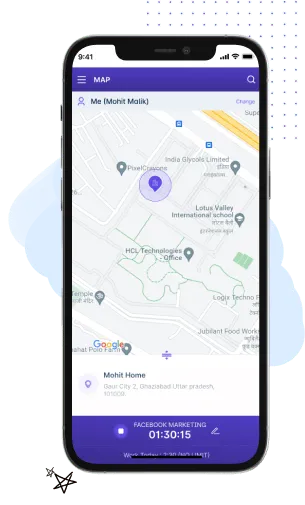
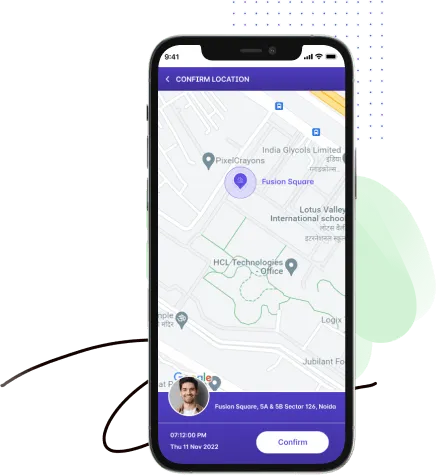
Know where work happens across regions.
Ensure accurate clock-in and clock-out records.
Confirm on-site presence with secure selfie-based check-ins.
Link mobile work hours directly to projects.
Yes. Team members can clock in and clock out directly from the iOS app.
Yes. Location can be enabled to validate site presence when required.
Yes. Employees can select projects or tasks and record work hours from their iPhones.
Yes. All mobile data updates instantly on the central dashboard.
Yes. It is built for distributed teams working outside traditional office environments.
Track time and productivity effortlessly.
Customized Solutions for Maximum Productivity


Get a 7-day free FULL FEATURE trial of Workstatus now. Boost efficiency, accountability, and results – anytime, anywhere.



